IPTV Box vs Firestick: Which Is Better for Live TV?
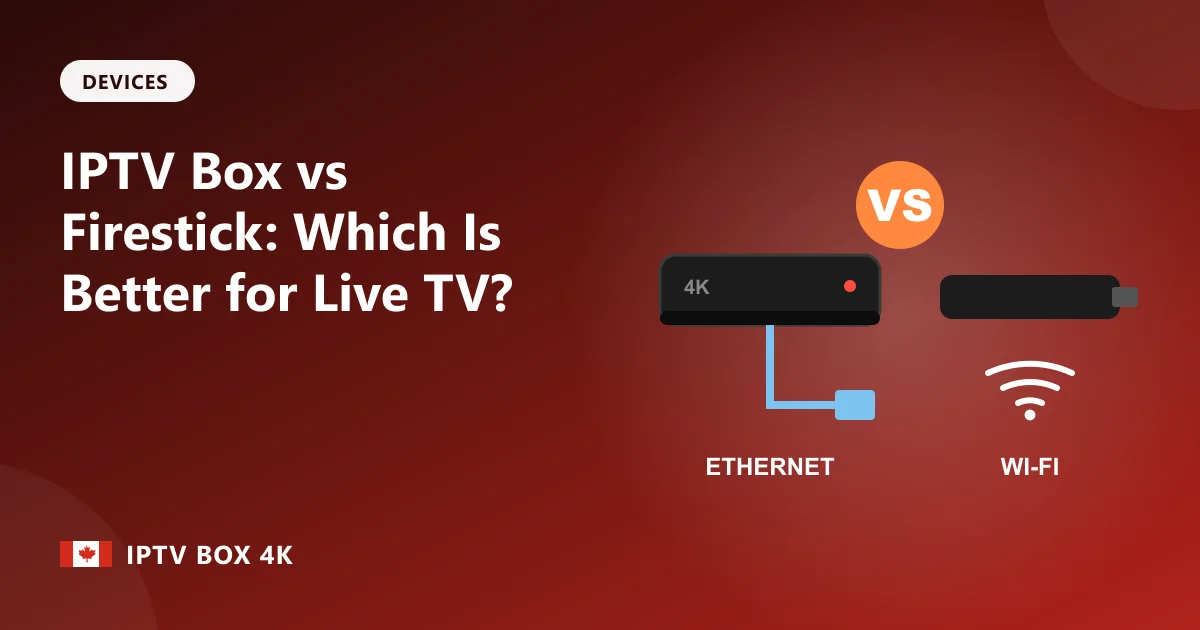
The Amazon Fire TV Stick is the most popular streaming device in Canada, and plenty of people watch IPTV on one every day. But a dedicated IPTV box can be a noticeable step up, especially for live sport. Here's how they compare.
Connection: the biggest difference
Fire TV Sticks connect by Wi-Fi only, unless you buy a separate Ethernet adapter. Most IPTV boxes, including MAG, Formuler and good Android TV boxes, have an Ethernet port built in. For live TV, a cable is the most reliable connection you can have: it doesn't drop when the microwave is on, when neighbours are streaming, or when the router is two floors away. If you watch a lot of hockey and get the odd freeze on Wi-Fi, this alone can fix it.
Speed and memory
IPTV apps handle large channel lists and a full TV guide, which uses a lot of memory. The Fire TV Stick 4K Max is quick, but older and cheaper sticks can get sluggish. Higher-end Android TV boxes have faster processors and more memory, so the guide scrolls smoothly and channels change faster.
Storage
Sticks usually have 8 to 16 GB of storage, shared with the system and every other app. That fills up quickly. Boxes often have more, and many have USB ports for extra storage.
Remote control
The Fire TV remote is designed for streaming apps, with no number keys or guide button. MAG and Formuler remotes look and work like cable remotes, with channel numbers and a dedicated guide key, which many people prefer for live TV.
Apps and home screen
On a Firestick, IPTV players are installed with the Downloader app rather than from Amazon's store, and the home screen promotes Amazon content. Android TV boxes install players straight from Google Play, and MAG boxes boot straight into the channel list.
Price
A Fire TV Stick is cheaper, which makes it a good choice for second TVs, bedrooms and travel. A good IPTV box costs more but is the better main living-room device.
Our recommendation
- Main TV, lots of live sport: an IPTV box with Ethernet.
- Bedroom, kitchen or cottage TV: a Fire TV Stick 4K Max.
- Already own a Firestick: start with it and upgrade only if you see freezing that a better Wi-Fi setup doesn't fix.
Ready to set up? Follow our Firestick guide or the Android IPTV box guide.
Keep reading
More from the IPTV Box 4K blog: IPTV With Box or Without? Which Option Fits Your Home.
Frequently asked questions
Is a Firestick an IPTV box?
A Fire TV Stick is a streaming device that can work as an IPTV box once you install an IPTV player app. Dedicated IPTV boxes usually add Ethernet and a cable-style remote.
Why does IPTV freeze on my Firestick?
Usually Wi-Fi. Move the router closer, use the 5 GHz band, or add an Ethernet adapter. Clearing the app's cache and restarting the stick also helps.
Can I use the same IPTV login on a Firestick and a box?
Yes, your login works on both. Each subscription covers one stream at a time, so ask for an extra connection to watch on both at once.
Ready to watch? See IPTV box plans, get IPTV with box or read the IPTV box setup guides.